
This document introduces the HB650S solar Bluetooth handsfree car kit, including safety guidelines, product introduction, specifications, charging methods, user guide, phone operations, text-to-speech function, etc.
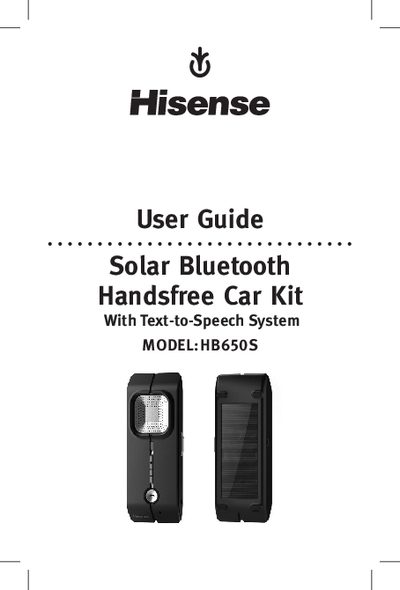
The Hisense HB650S is a solar‑powered Bluetooth hands‑free speaker designed for car use. It features a built‑in microphone, LED indicators, a solar panel for supplemental charging, and a Text‑to‑Speech system that can announce calls and status in five languages.
This guide covers safety guidelines, recommended mounting position, how to charge the speaker via AC adapter, car outlet or solar panel, step‑by‑step pairing with a mobile phone, call handling functions (answer, end, reject, hold, transfer), Text‑to‑Speech language selection, phonebook synchronization, troubleshooting tips, and care instructions.
| Talk/standby time | Up to 11 hours talk time, up to 400 hours standby |
|---|---|
| Battery charging options | AC adapter, car outlet, internal solar panel |
| Charging time (AC) | Approximately 3 hours |
| Charging time (solar) | Approximately 10 hours |
| Operating range | Up to 10 meters (≈33 feet) |
| Maximum paired devices | Up to 8 Bluetooth devices |
| Bluetooth version | 2.14+EDR |
| Text‑to‑Speech languages | English, French, Italian, German, Spanish |
| Phonebook capacity | Stores up to 1 000 contacts |
Turn the speaker off, then press and hold the MFB for 6 seconds until the LED flashes red and blue; enable Bluetooth on the phone, select “Hisense HB650S”, and confirm the PIN 0000.
Charging with the AC adaptor takes approximately 3 hours.
While the speaker is in standby mode, hold the volume button for 6 seconds; the device will announce “Voice Prompt On” or “Voice Prompt Off”.