
Instructions for installing and using the Hisense T39 series wireless screen sharing feature on PC and TV.
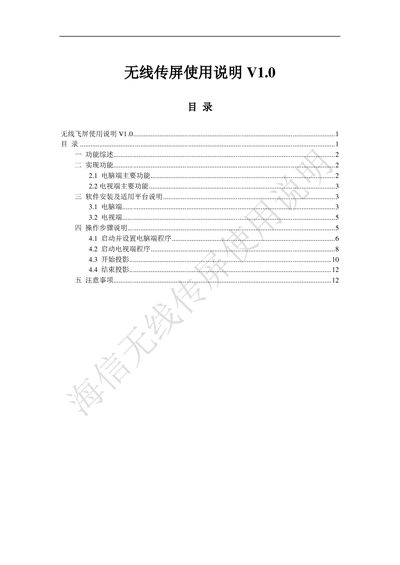
This manual describes the wireless screen sharing function of the Hisense T39 series TV, including its main features, supported resolutions, and quality settings. It explains how the PC software works with Windows XP SP2 and how the TV side integrates the feature.
Step‑by‑step installation instructions, configuration options, and operation procedures are provided, along with important safety and troubleshooting notes to ensure reliable screen sharing between a computer and a TV. This manual is written in Chinese.
| Supported resolutions | 1280x768, 1024x768, 800x600 |
|---|---|
| Supported PC operating system | Windows XP SP2 |
| Picture quality options | 一般, 较好, 最好 |
The PC software only supports Windows XP SP2.
Press the wireless screen sharing button on the TV remote to enter the sharing module.
You can choose between 1280x768, 1024x768, and 800x600.