
This document is the user guide for the HB600 Bluetooth Handsfree Car Kit, providing information on the features and usage of the product.
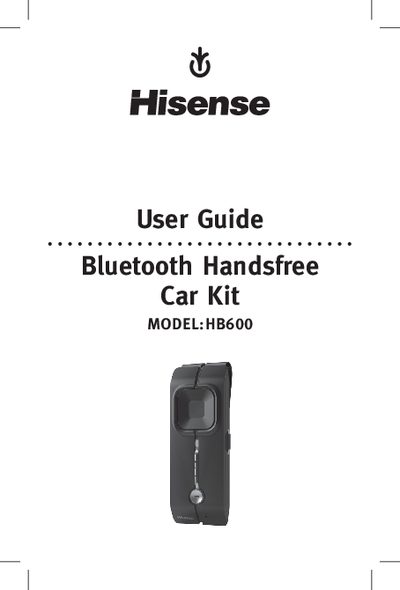
The Hisense HB600 Bluetooth Handsfree Car Kit is a portable speaker designed for use in vehicles. The guide begins with safety warnings, including volume limits to protect hearing, keeping the device away from children, and avoiding flammable environments. It then introduces the speaker’s components and the functions it supports, such as answering calls, voice dialing, and call transfer.
The manual explains how to charge the speaker, pair it with a mobile phone, and use the various controls. Detailed instructions cover pairing steps, button functions, LED indicators, troubleshooting tips, and how to restore factory settings. A glossary of Bluetooth terms is provided at the end.
| Talk time / standby time | Up to 14 hours talk time, up to 850 hours standby |
|---|---|
| Battery charging options | Rechargeable battery, chargeable via AC adapter or car outlet |
| Operating range | Up to 10 meters (≈33 ft) |
| Charging LED indicator | Red LED flashes while charging, turns off when complete |
Turn the speaker off, press and hold the multi‑function button for 6 seconds until the LED flashes red and blue, enable Bluetooth on your phone, select “Hisense HB600”, and confirm the PIN 0000.
The red LED flashes while the speaker is charging and turns off when charging is complete.
While the speaker is in standby, press the volume (+) and volume (‑) buttons together for 10 seconds until the blue LED flashes five times; the speaker will then power off and reset.