
This is a quick guide to the Epson Stylus CX8400 Series Quick Guide. It introduces how to load paper, use special papers, copy documents or photos, print from a memory card or digital camera, print from your computer, select the correct paper type, and scan documents or photos.
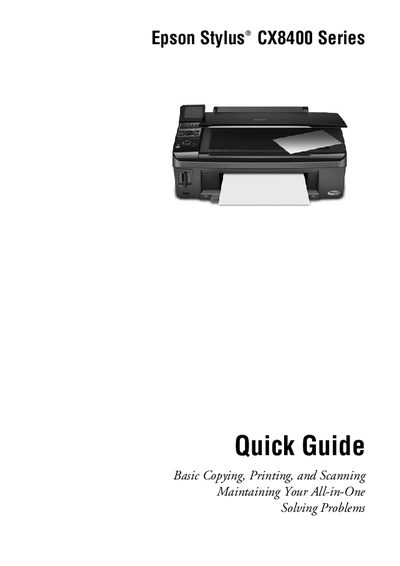
This Quick Guide provides step‑by‑step instructions for using the Epson Stylus CX8400 Series all‑in‑one printer. It covers loading paper, copying documents or photos, printing from memory cards, digital cameras or a computer, and basic scanning and photo restoration.
The guide also includes routine maintenance tasks such as checking print‑head nozzles, cleaning the print head, monitoring ink levels, and a troubleshooting section for common problems and software updates.