
This document is a basic operation manual for Canon printers
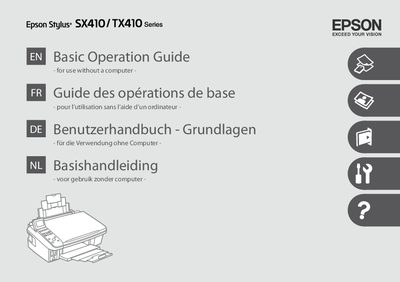
This guide provides important safety instructions, including using only the supplied power cord, avoiding flammable aerosols, and keeping ink cartridges out of children's reach. It also explains how to operate the LCD screen, select and load paper, insert memory cards, and use copy, photo, and printing modes.
Maintenance topics cover checking ink cartridge status, cleaning and aligning the print head, and PictBridge setup. The troubleshooting section lists common error messages, paper‑jam solutions, and print‑quality problems, with contact information for customer support.
| Ink cartridge for SX410 series | T071 |
|---|---|
| Ink cartridge for TX410 series | TO731N (or similar depending on region) |
Open the cartridge access door, remove the used cartridge, and insert a new T071 (SX410) or appropriate TX410 cartridge, then close the door.
Turn off the printer, open the appropriate panels, gently remove the jammed paper, and close all panels before restarting.