
This is a service manual for EPSON Stylus Photo R200/R210 Color Inkjet Printer, which provides instructions on how to use the printer and precautions to be taken.
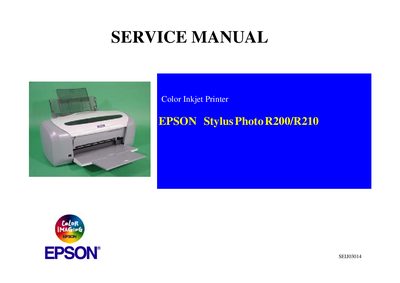
This service manual provides detailed troubleshooting, disassembly, adjustment, and maintenance instructions for the Epson Stylus Photo R200/R210 inkjet printer. It is intended for experienced repair technicians and includes safety precautions, required tools, and approved parts.
The manual is organized into five main chapters: Troubleshooting, Disassembly and Assembly, Adjustment, Maintenance, and an Appendix with exploded diagrams and electrical schematics. Each chapter contains step‑by‑step procedures, specifications, and recommended lubricants and adhesives.
| Input voltage | 100‑240 VAC |
|---|
Always disconnect the product from the power source before performing any maintenance or repair procedures.
Repairs should be performed only by an Epson certified repair technician.