
This is an instruction manual that details how to operate and maintain the Epson printer.
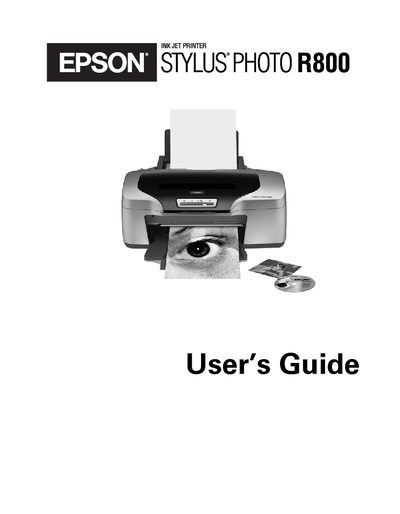
This guide covers everything you need to operate the Epson Stylus Photo R800, from loading paper and ink cartridges to using advanced features like PRINT Image Matching and roll‑paper printing. It includes detailed steps for Windows and Macintosh printing, color management, and troubleshooting common issues.
Additional sections explain how to clean and align the print head, replace ink cartridges, and safely transport the printer. Safety notices, warranty information, and contact details are also provided.
| Print resolution | 5760 x 1440 dpi |
|---|---|
| Number of ink cartridges | 8 individually‑replaceable cartridges |
| Ink droplet size | 1.5 picoliters |
| Connectivity | Hi‑Speed USB 2.0 and IEEE 1394 (FireWire) |
| Roll paper feeder | Continuous printing on roll paper |
The printer can print at up to 5760 × 1440 dpi.
It uses eight individually‑replaceable Epson ink cartridges.
The ink droplets are as small as 1.5 picoliters.
The printer supports Hi‑Speed USB 2.0 and IEEE 1394 (FireWire) ports.