
This manual provides instructions on how to use the LG P930 phone, including safety guidelines, important notices, phone introduction, getting started, touch screen tips, locking the phone, home screen, Google account setup, making calls, etc.
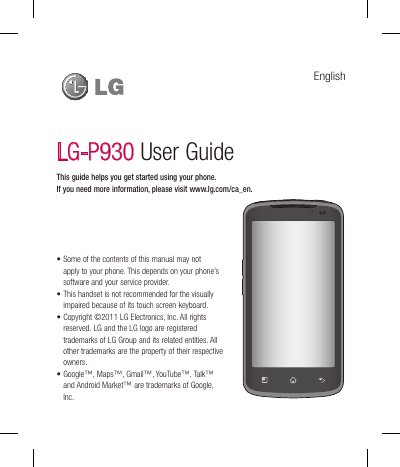
This guide helps you get started using the LG P930 handset, covering safety guidelines, SIM and battery installation, and basic navigation of the Android operating system. It also includes important warnings about temperature limits, battery handling, and RF exposure to ensure safe use.
The manual details the phone’s features such as the camera, video recording, multimedia playback, Google services, connectivity options (Wi‑Fi, Bluetooth, HDMI), and software update procedures. It also explains how to manage contacts, messaging, and various system settings.
| Operating temperature range | 0 °C to 40 °C (32 °F to 104 °F) |
|---|---|
| Body‑worn minimum separation distance | 1 cm (0.39 in) |
| Vehicle‑mounted antenna minimum separation distance | 20 cm (8 in) |
The phone should not be stored below 0 °C (32 °F) or above 40 °C (104 °F) to avoid malfunction or damage.
You should consult the manufacturers of personal medical devices, as the phone’s RF emissions may interfere with them; turn off the phone in medical facilities.
Open Settings > About phone > Software update and select “Update now”; you can also use the OTA update feature via the LG website.
Maintain at least 1 cm (0.39 in) between the back of the phone and your body.