
This is a user manual for Philips HTRT5000 digital AV surround receiver, which mainly introduces the product's features and usage.
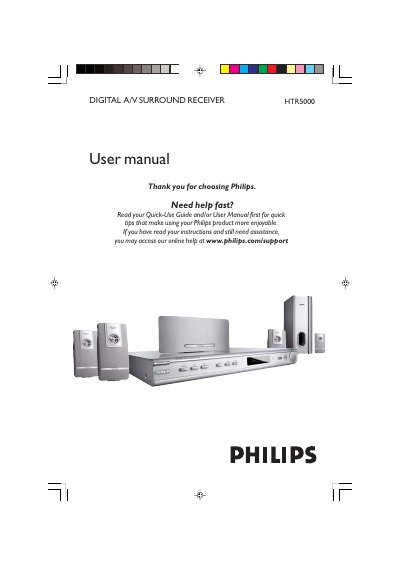
This manual guides you through installing and using the Philips HTR5000 digital A/V surround receiver. It covers safety precautions, speaker placement, wiring of audio and antenna connections, and remote‑control operation.
The document also includes detailed specifications, a functional overview of the amplifier and tuner sections, and troubleshooting tips for common issues such as no sound, power problems, or poor radio reception.
| Total Output Power (Home Theater Mode) | 700 W |
|---|---|
| Total Output Power (1% THD) | 330 W |
| Front speaker power | 50 W |
| Centre speaker power | 50 W |
| Surround speaker power | 50 W |
| Subwoofer power | 80 W |
| Frequency response (amplifier) | 150 Hz – 20 kHz |
| Signal‑to‑Noise Ratio | > 60 dB |
| Power consumption | 180 W |
| Dimensions (W × H × D) | 435 mm × 53 mm × 359 mm |
| Weight | 4.00 kg |
Remove the fuse cover, take out the old fuse, insert a BS1362 5 Amp approved fuse, and re‑fit the cover.
Press the PROG button, tune to the desired station, then press PROG again to store; repeat for other stations.
Verify the AC power cord is connected, check speaker connections, ensure the correct source is selected, and adjust the volume for the centre and rear channels.
Place front speakers at equal distance from the TV at about 45°, centre speaker above the TV or receiver, rear speakers at ear level facing each other, and the subwoofer on the floor near the TV.