
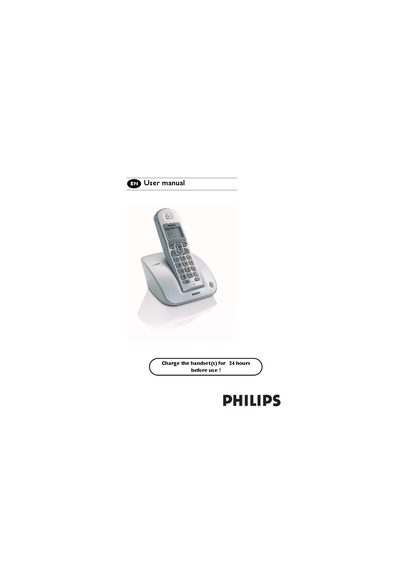
Philips CD 130 Mobile Telephone User Manual


Philips CD 130 Mobile Telephone User Manual - cover page
Brand
Philips
Category
Telephone
Document type
User Manual
Language
English
Pages
39
File format
PDF
File size
1.8 MB
Published
02 May, 2012
Updated
29 September, 2023
MD5 checksum
EB7FE1DA27A1FF11CEE2A8DCC86496D2

About this manual

This manual guides you through the initial setup of the Philips CD 130 mobile telephone, including charging the handset, configuring the country settings, and installing the base station and batteries. It also describes the contents of the box, the layout of the handset and base, and the basic menu navigation.

Further sections cover detailed functions such as calling, redial, phonebook, intercom, paging, chain dialing, clock and alarm settings, as well as personal settings, keypad lock, and troubleshooting tips for common issues.

What's inside

  • Important information
  • What's in the box
  • Handset and base station
  • Installing the base station
  • Installing the batteries
  • Menu structure
  • Keypad lock / unlock
  • Call and redial
  • Phonebook and call log
  • Paging and chain dialing

Specifications

Power supply voltage220‑240 V AC
Battery type (handset)2 NiMh AAA

Frequently asked questions

How do I configure the country selection on the CD 130?

Browse through the list of countries and press e to confirm the country that suits you.

How can I power off the handset?

Press and hold the hang‑up key (long press) to power off the handset.

What voltage does the CD 130 require for its power supply?

It requires an AC supply of 220‑240 V.

How do I use the paging function to locate a missing handset?

Press the paging key until the handset starts to ring; press it again to stop paging.

Download PDF (1.8 MB)

More Philips Manuals


View all Philips manuals →