
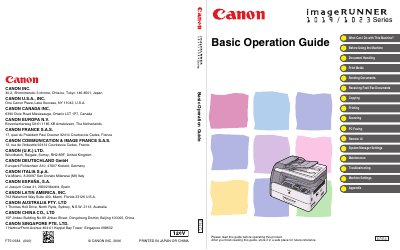
Canon imageRUNNER 1019/1023 Basic Operation Guide


Canon imageRUNNER 1019/1023 Basic Operation Guide - cover page
Brand
Canon
Category
copier
Document type
User Manual
Language
English
Pages
262
File format
PDF
File size
5.1 MB
Published
02 May, 2012
Updated
29 September, 2023
MD5 checksum
DD59D619EE1F512359E2D9ABDC809D12

About this manual

This guide covers the basic operation of the Canon imageRUNNER 1019/1023 series multifunction devices, describing how to print, copy, scan, fax, and send documents via e‑mail or network. It also explains the machine’s user interface, remote UI, and system manager settings.

The manual is organized into sections such as Machine Set‑Up, Software Installation, Basic and Advanced Features, Network and Remote User Interface, System Monitor, Scanning Features, Maintenance, and Specifications. It includes details on available options, key functions, and troubleshooting tips.

What's inside

  • Machine Set‑Up
  • Software Installation
  • Basic Features
  • Advanced Features
  • Network and Remote User Interface
  • System Monitor
  • Scanning Features
  • Maintenance
  • Specifications

Frequently asked questions

How can I send documents to multiple recipients?

Use the Group Addresses feature to specify multiple recipients as a group.

How do I view the manuals in PDF format?

The manuals are supplied on a CD‑ROM and can be opened with Adobe Reader/Acrobat.

Download PDF (5.1 MB)

More Canon Manuals


View all Canon manuals →