
This quick start guide introduces how to connect the MCD 708 home theater system and provides a brief overview of its features.
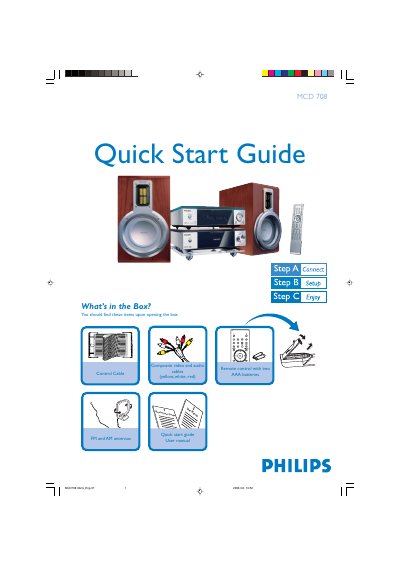
The guide begins with a checklist of items included in the box, such as the remote control, composite video/audio cables, FM and AM antennas, and a control cable. It then walks you through connecting the composite cables to a TV, attaching the power cords, and linking the speaker cables and antennas.
Subsequent sections cover setting the clock using the remote, playing a disc, and programming radio stations. Tips for progressive‑scan TV setups and additional functions are referenced to the full user manual.
| Remote control batteries | Two AAA batteries |
|---|---|
| Video/audio cables | Composite (yellow, white, red) |
| Antenna types | FM and AM antennas |
| Control cable | Included |
| Power connection | AC power cords for system and TV |
In standby mode, press and hold CLOCK on the remote, then use the volume +/- buttons to adjust hours and minutes, pressing CLOCK again to confirm.
Press OPEN / CLOSE on the remote to open the tray, load the disc label‑side up, then press the button again to close; playback starts automatically.
Press PROG on the remote for more than two seconds to scan and store all available stations, then use PRESET +/- to select a preset.