
This manual provides information on how to use and maintain your Philips 190VW9 LCD monitor. It includes instructions on how to connect and use the monitor, safety and troubleshooting information.
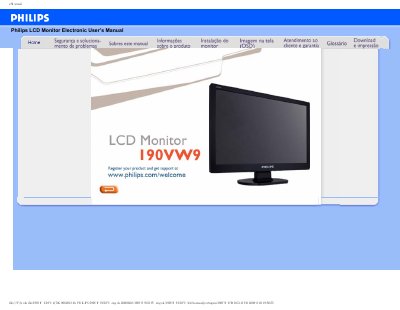
This manual covers safety precautions, proper handling, and maintenance of the Philips 190VW9 LCD monitor, including warnings about electrical shock, ventilation, and cleaning. It also explains environmental limits such as operating temperature (0‑40 °C) and humidity (20‑80 % RH).
The guide details screen adjustments, color settings, VESA mounting options, and plug‑and‑play compatibility with Windows operating systems. Frequently asked questions address video mode errors, refresh‑rate relevance, and how to restore factory settings. This manual is written in Portuguese.
| Operating Temperature | 0 °C to 40 °C (32 °F to 104 °F) |
|---|---|
| Operating Humidity | 20 % to 80 % RH |
| Recommended Resolution | 1440 × 900 @ 60 Hz |
| Refresh Rate Relevance | Less relevant for LCDs |
| Plug‑and‑Play Compatibility | Windows 95/98/2000/XP/Vista |
| VESA Mounting | Four VESA mounting holes |
Set the video mode to the recommended 1440 × 900 @ 60 Hz for the Philips 190VW9.
For LCD monitors the refresh rate is much less relevant; they display a stable image at 60 Hz without visible differences.
Yes, they are plug‑and‑play compatible with Windows 95, 98, 2000, XP and Vista.