
The ThinkPad Advanced Mini Dock is a compact docking station that provides quick and easy access to peripherals for notebook users. It features left corner alignment, step-by-step LEDs, and convenient buttons, as well as various interface and audio/video ports.
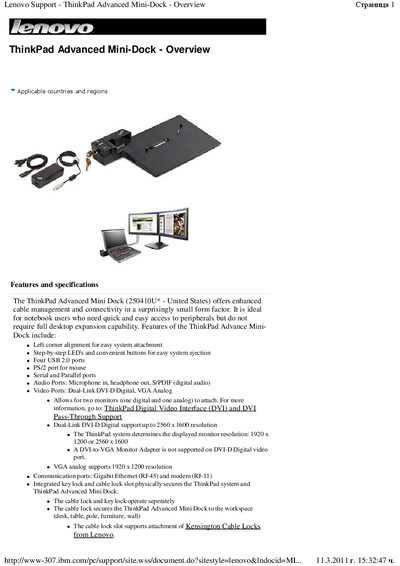
The ThinkPad Advanced Mini-Dock provides enhanced cable management and connectivity in a compact form factor. It offers four USB 2.0 ports, a PS/2 port, serial and parallel ports, audio inputs/outputs, dual‑link DVI‑D and VGA video ports, Gigabit Ethernet, and a modem, along with integrated key lock and cable‑lock slots for security.
Physical specifications include an approximate height of 54 mm, width of 334 mm, depth of 213 mm, and weight of 0.9 kg. The dock operates in temperatures from 5 °C to +31 °C with 8 %–95 % non‑condensing humidity, and it is compatible with a wide range of ThinkPad models listed in the hardware compatibility section.
| USB ports | Four USB 2.0 ports |
|---|---|
| Audio ports | Microphone in, headphone out, S/PDIF |
| Video ports | Dual‑Link DVI‑D Digital, VGA Analog |
| Network ports | Gigabit Ethernet (RJ‑45) and modem (RJ‑11) |
| Height | 54 mm (2.1 in) |
| Width | 334 mm (13.1 in) |
| Depth | 213 mm (8.4 in) |
| Weight | 0.9 kg (2.0 lb) |
| Operating temperature | 5 °C to +31 °C |
| Power adapter | 90‑watt AC Power Adapter (varies by country) |
It operates from 5 °C (41 °F) up to +31 °C (88 °F).