
This document is the user guide for the DIRECTV Universal Remote Control, which describes the features and functions of the remote control, as well as how to install batteries, control DIRECTV receivers, program the DIRECTV remote, and control other components.
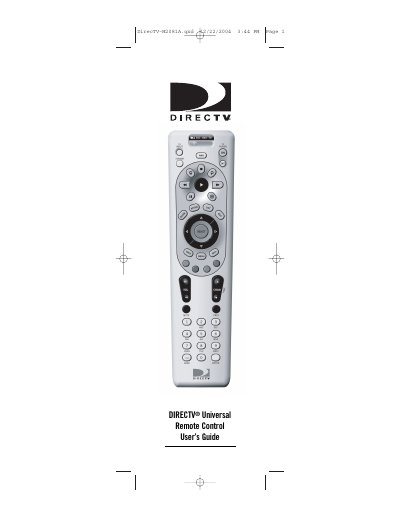
This guide introduces the DIRECTV M2081A universal remote, which can control a DIRECTV receiver, TV and up to two additional audio/video components. It describes the four‑position slide switch, LED indicator, and the extensive code library that lets you program the remote for many devices.
The manual provides detailed instructions for installing AA batteries, programming the remote for DIRECTV receivers, TVs, VCRs, DVD players and stereo equipment, as well as troubleshooting tips and FCC compliance information.
| Battery type | 2 AA alkaline batteries |
|---|---|
| FCC ID | MG32081 |
| FCC compliance | Class B digital device, Part 15 |
| Slide switch | Four‑position slide switch for component selection |
| LED indicator | Green LED confirms selected component |
Replace the batteries with fresh AA alkaline cells as described in the battery installation section.
Select the Restore Factory Default Settings option in the menu to reset all programmed codes.