
This is a user guide for Sprint PCS Vision Phone 6165i
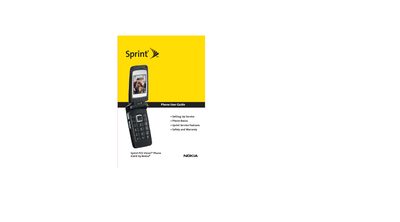
This guide walks you through setting up service, registering the phone, and using Sprint PCS Vision features such as voicemail, call forwarding, and data roaming. It also covers safety information and warranty details.
The manual details everyday phone functions, including phone basics, messaging, contacts, camera operation, Bluetooth pairing, and organizer tools, helping you get the most out of your Nokia 6165i.
Refer to Section 1 – Getting Started and follow the "Setting Up Service" instructions.
Open the Bluetooth Settings menu and select "Turning Bluetooth On and Off" to activate Bluetooth, then use "Pairing Bluetooth Devices" to connect accessories.