
Nokia 6350 User Guide
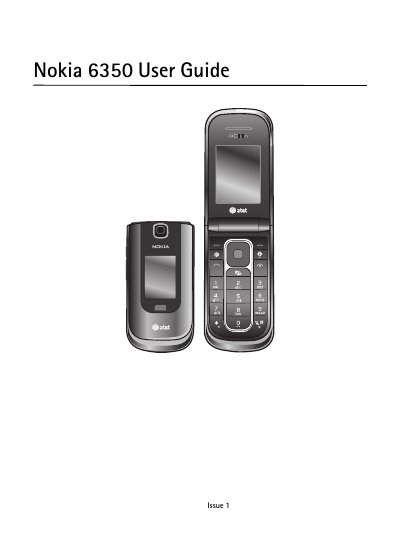
This guide introduces the Nokia 6350 mobile phone, covering safety guidelines, network compatibility, and legal notices. It explains the device’s supported UMTS and GSM bands, battery authentication, and the fact that the phone is not water‑resistant.
The manual walks users through getting started, using the keypad, making calls, navigating menus, messaging, email, internet browsing, media playback, and additional services such as AT&T Music, Push‑to‑Talk, and GPS. It also details configuration settings, security codes, and how to back up data.
| Supported network bands | UMTS 850/1900/2100, GSM 850/900/1800/1900 MHz |
|---|---|
| Water resistance | Not water‑resistant |
It works on UMTS 850, 1900 and 2100 MHz and GSM 850, 900, 1800 and 1900 MHz networks.
No, the device is not water‑resistant and should be kept dry.
The default PIN (UPIN) code supplied with the SIM card is 12345.
Only one antivirus application can be installed; having more may affect performance or stop the device from functioning.