
This is a user guide for the Nokia 2126 phone, describing its features and characteristics.
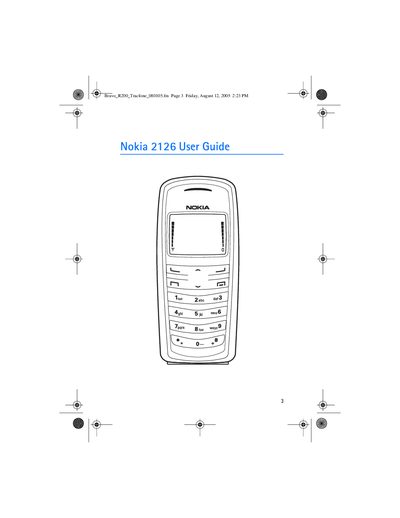
This manual introduces the Nokia 2126 mobile phone, describing its key functions such as voice calls, messaging, contacts, camera, and accessories like Xpress‑on covers. It also explains how to connect the phone to a PC and outlines the supported network bands (CDMA 800/1900).
Safety information is emphasized throughout, covering topics such as interference, use in vehicles, hospitals, aircraft, and the fact that the device is not water‑resistant. The guide also provides troubleshooting steps, emergency call procedures, and contact details for Nokia Customer Care.
| Network bands | CDMA 800 and 1900 |
|---|---|
| Water resistance | Not water‑resistant |
Make sure the phone is switched on, press the end key to clear the display, enter the emergency number, press the call key, give your location, and stay on the call until permission to end it is given.
You should have the electronic serial number (ESN) and your zip code ready.
No, the phone is not water‑resistant and should be kept dry.
The device is approved for use on CDMA 800 and 1900 networks.