
The HP Z600 Workstation is a rack-mountable microtower workstation that comes with a choice of pre-installed Windows ® 7 Professional 32-bit or 64-bit versions, with a downgrade option to Windows® XP Professional 32-bit or 64-bit versions.
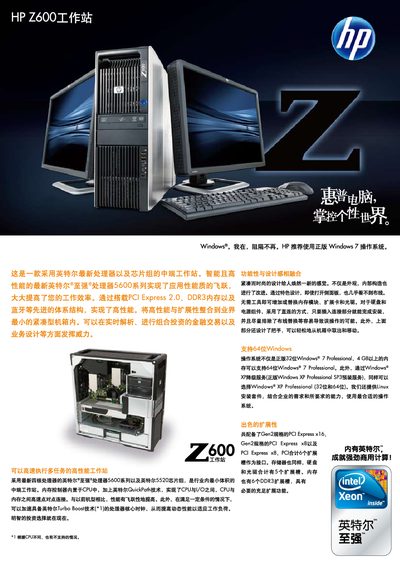
The manual details the hardware configuration of the HP Z600 workstation, including Intel Xeon processors, up to six DDR3 DIMM slots for a maximum of 24 GB memory, multiple PCI‑Express slots, and flexible storage options such as 3.5" SATA, 2.5" SATA, and 15K rpm SAS drives. It also lists supported graphics cards, audio options, and networking interfaces, and notes that the system can drive up to eight monitors.
Operating system support covers Windows 7 Professional (32‑ and 64‑bit), Windows XP Professional (32‑ and 64‑bit), and optional Linux drivers for Red Hat Enterprise Linux WS4/WS5. The document includes warranty terms, optional service packs, and contact information for HP Care Pack support. This manual is written in Chinese.
| Chipset | Intel 5520 |
|---|---|
| Storage Bays | Up to 3 × 3.5" 7200 rpm SATA, up to 4 × 2.5" 10K rpm SATA, up to 3 × 3.5" 15K rpm SAS |
| Display Support | Up to 8 monitors |
The workstation can support up to eight displays.