
HP Z800 Workstation is a micro-tower workstation that supports Windows 7 operating system, with 32-bit and 64-bit versions available, and supports Intel® Quad Core Xeon® processors and Intel® Six Core Xeon® processors, up to 192GB of memory, and can simultaneously support 2 NVIDIA® Tesla C1060 GPUs with 240 cores
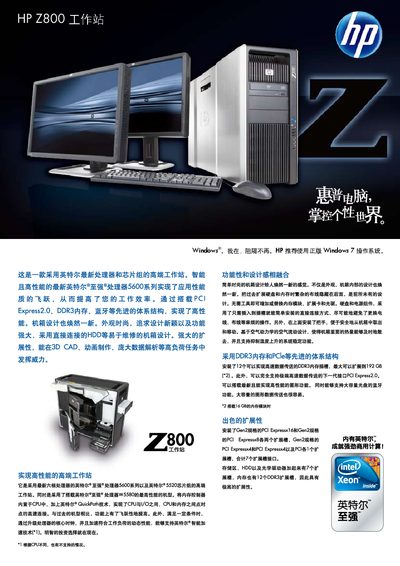
The HP Z800 is a micro‑tower workstation that can be rack‑mounted and supports genuine Windows 7 Professional (32‑bit and 64‑bit) or a customized downgrade to Windows XP Professional. It offers a range of Intel Xeon processors with air or liquid cooling and extensive expandability.
Key hardware features include up to 12 DIMM slots for a maximum of 192 GB DDR3 memory, multiple storage options with SATA and SAS RAID controllers, support for up to two NVIDIA Tesla C1060 GPU compute cards, integrated networking, and optional security modules such as TPM and Kensington lock. This manual is written in Chinese.
| Memory Capacity | 12 DIMM slots, up to 192 GB DDR3 |
|---|---|
| Dimensions | 17.5 × 8.0 × 20.7 in (44.5 × 20.3 × 52.7 cm) |
| SATA RAID Support | Integrated SATA controller 3 Gb/s, RAID 0/1/5/10 |
| Cooling Options | Air‑cooled or liquid‑cooled processors |
The workstation provides 12 DIMM slots and supports up to 192 GB of DDR3 memory.
The workstation comes with a 3‑year warranty that includes next‑business‑day parts and labor support.