
HP Performance Advisor is a software designed by HP for workstations to help users better use workstations. The software can help users monitor memory usage, reallocate resources, eliminate conflicts, and keep the system running fast and smoothly.
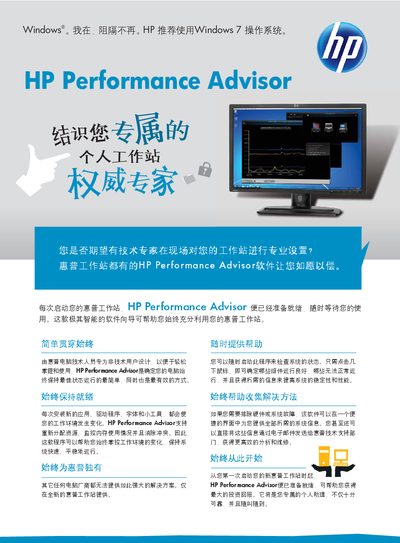
HP Performance Advisor is a software assistant designed for HP workstations. It provides an easy‑to‑use interface that helps non‑technical users monitor system health, resolve conflicts, and keep the workstation running smoothly.
The guide covers installation, system requirements, feature usage such as CPU and memory monitoring, driver recommendations, and how to send diagnostic reports to HP support. It also explains how to keep the software up‑to‑date and where to find additional resources. This manual is written in Chinese.
| Supported OS | Windows Vista Business 32‑bit |
|---|---|
| Supported OS | Windows Vista Business 64‑bit |
| Supported OS | Windows XP Professional 32‑bit |
| Supported OS | Windows XP Professional 64‑bit |
| .NET Framework requirement | Microsoft .NET Framework 3.5 |
| Installation size | 10 MB |
The software monitors CPU and memory usage, provides color‑coded reports, suggests driver updates, and can send system information to HP support.
Microsoft .NET Framework 3.5 must be installed.