
This document introduces the features and characteristics of the HP Z400 workstation, including its appearance, operating system, processors, chipset, memory, hard drive controller, hard drive, optical drive, drive bay, and expansion slots.
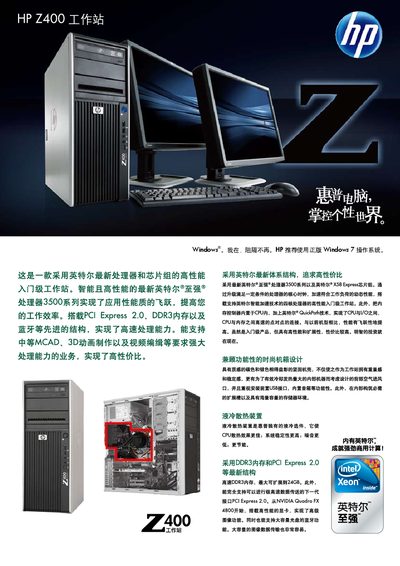
The manual describes the Z400 workstation’s hardware platform, including Xeon processors, up to 24 GB DDR3‑1333 memory, PCI Express 2.0 slots, multiple SATA and SAS drives, and a range of professional graphics cards such as NVIDIA Quadro FX 4800. It also lists the available USB, IEEE‑1394, and audio interfaces on the front and rear panels.
Supported operating systems are Windows 7 Professional (32‑bit and 64‑bit), Windows XP Professional (32‑bit and 64‑bit), and several Linux distributions (Red Hat Enterprise Linux, SUSE SLED 11). Safety instructions cover proper handling, environmental restrictions, and warranty contact information. This manual is written in Chinese.
| Processor options | W3503 2.40 GHz, 4 MB L2 cache |
|---|---|
| Memory type | DDR3 1066 MHz |
| PCI Express version | PCI Express 2.0 |
| Maximum DDR3 capacity | 24 GB DDR3‑1333 |
| SATA ports / capacity | Up to 4 SATA ports, up to 6 TB per drive |
Compatible professional graphics cards include NVIDIA Quadro FX 4800, Quadro FX 3800, and other Quadro models listed in the manual.