
This document is a user guide for the HP Officejet J4500 All-in-One series, providing information on the features and usage of the product.
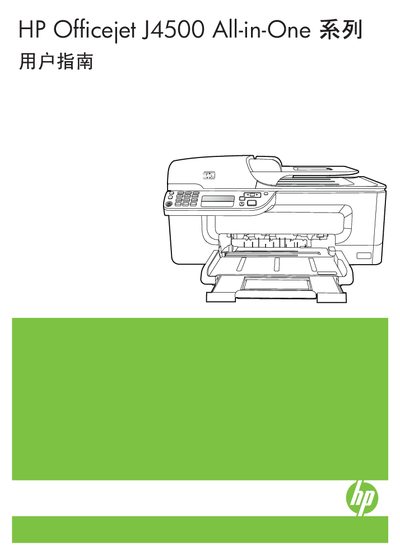
This manual guides users through the initial setup of the HP Officejet J4500 All-in-One, including unpacking, installing ink cartridges, and connecting to a network. It also details the functions of the control panel, supported media types, and basic troubleshooting steps.
Further sections cover detailed procedures for printing, copying, scanning, and faxing, as well as advanced configuration, software installation, and regular maintenance such as cleaning the printhead and clearing paper jams. This manual is written in Chinese.
| Noise emission (draft mode) | Meets ISO 7779 |
|---|
Turn the printer off, wait about 20 seconds, then turn it back on; if the issue persists, reinstall the printer software as described in the troubleshooting guide.