
This manual introduces how to use CASIO watch 3022, including how to set time, date, alarm, countdown timer etc., and how to use the sensors on the watch to measure air pressure, temperature and altitude.
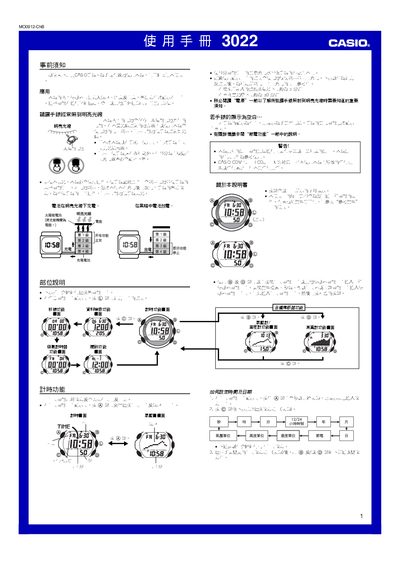
This manual provides step‑by‑step instructions for using the Casio 3022 watch, covering time setting, altitude, temperature and pressure measurement, and the built‑in illumination. It also details safety warnings and proper handling of the solar rechargeable battery.
The watch runs on a solar‑charged battery that powers all functions, with automatic power‑saving and illumination modes that adapt to ambient light conditions. Users can select short or long altitude‑measurement intervals and calibrate temperature and pressure readings as needed. This manual is written in Japanese.
| Power source | Solar rechargeable battery |
|---|---|
| Battery charging time (bright sunlight) | ≈ 5 min |
| Battery operation time (indoor dim light) | ≈ 50 min |
| Illumination type | EL (electroluminescent) panel, auto‑on under low light |
It uses a built‑in solar rechargeable battery that charges in bright light and supplies power when the watch is in darkness.
Enter the time‑setting mode, then use the @ key to switch between time/date fields and press the appropriate keys to adjust hours, minutes, year, month and day.