
3265 MO1011-ChA User's Manual
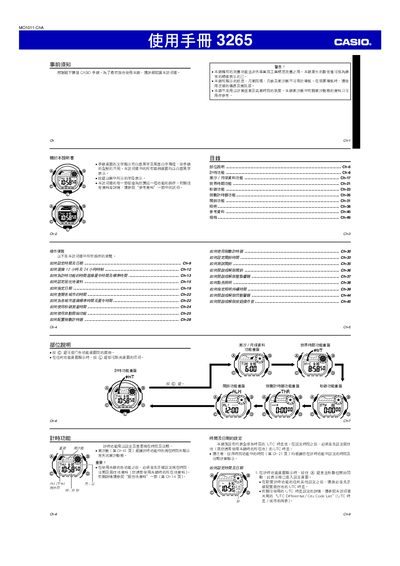
This manual provides step‑by‑step instructions for operating the Casio 3265 watch. It covers basic time setting, UTC offset configuration, daylight‑saving time, and how to select the correct city code for world‑time display. The guide also explains the use of the tide/moon data, stopwatch, countdown timer, multiple alarm types and the built‑in illumination.
Additional sections describe the watch’s specifications, battery replacement, and troubleshooting tips such as disabling button‑tone sounds or adjusting the automatic return feature. All functions are accessed via the @ and 0 buttons as described throughout the document. This manual is written in Chinese.
| Monthly accuracy | ±30 seconds |
|---|---|
| Time format | 12‑hour and 24‑hour |
| Date range | 2000‑2099 |
| Battery type | CR1616 (≈3 years) |
| Stopwatch resolution | 1/100 second |
| Stopwatch range | 23 h 59 m 59.99 s |
| Countdown timer range | 1 min – 24 h |
Press the @ button to open the World Time screen, then use the @ and @@ buttons to scroll through city names and select the desired UTC offset.
Open the back cover, replace the CR1616 lithium cell, and the watch will operate for about three years.
When the stopwatch screen shows all zeros, press and hold the @ button for 5 seconds; the watch will count down and start automatically.