
This manual introduces the usage and features of a watch with a time elapsed bezel, including how to rotate the bezel to align the mark with the minute hand, and how to set the time, date, and week.
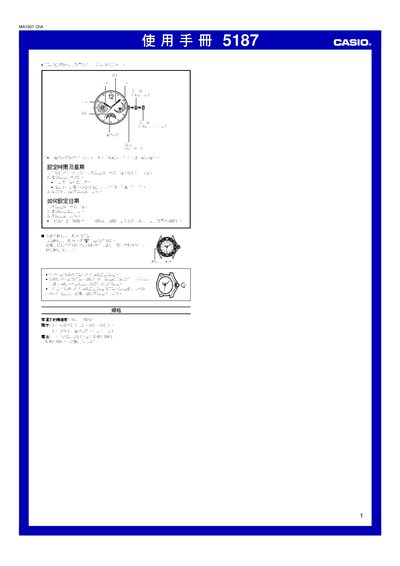
This manual provides step‑by‑step instructions for operating the Casio 51867 watch, including time and date adjustments, waterproof handling, and battery replacement. It is written in Chinese and includes safety notes for proper use.
Key features covered are the three‑hand display, day/date window, waterproof spiral‑lock crown, and a battery life of up to three years. Technical specifications such as accuracy and power source are also listed.
| Accuracy | ±20 seconds per month at room temperature |
|---|---|
| Hands | 3 hands (hour, minute, second) |
| Dial Functions | Day, date, and weekday windows |
| Battery Type | One silver‑oxide battery (SRS21SW) |
Pull the crown out to the first position to align the hour hand to 12, then pull it to the second position to adjust the minutes and seconds.
Pull the crown out to the first position, rotate to set the date, then push the crown back to lock the setting.
Ensure the spiral‑lock crown is fully screwed in after setting; do not force the crown and avoid opening it while the watch is submerged.