
Instruction manual, introduces the use of 3038 watch, including power on, set time, alarm clock, stopwatch and other functions.
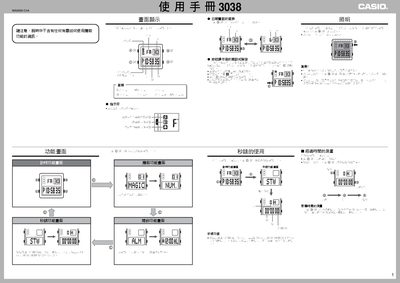
This manual provides step‑by‑step instructions for operating the Casio 3038 digital watch, covering button functions, display modes, and special features such as lighting and magic functions. It also includes guidance for setting the time, date, alarm, and hourly chime.
The document details how to use the stopwatch, timer, and automatic calendar, and explains how to replace the battery and reset the seconds. All procedures are described with button sequences and visual indicators shown on the watch screen. This manual is written in Chinese.
| Stopwatch maximum measurement | 23 h 59 min 59.99 s |
|---|---|
| Year setting range | 2000‑2099 |
| Automatic calendar | Adjusts month length and leap years automatically |
Press the B button while any function screen (except magic or setting screens) is displayed to illuminate the display.
When the time display shows the 12/24‑hour indicator, press D to toggle between 12H and 24H modes.