
The GMA 340 Audio Panel is a pilot's device with multiple control functions, such as marker beacon receiver, pilot intercom system, audio selector buttons, etc. The device features automatic dimming and fail-safe operation.
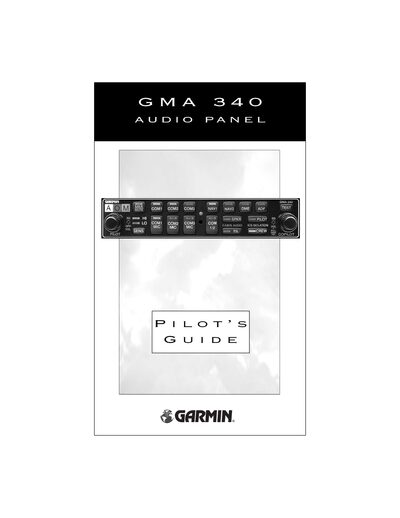
The GMA 340 Audio Panel provides pilots with comprehensive control of aircraft audio, including marker beacon, intercom, and entertainment inputs. The guide details each front‑panel control, power operation, and fail‑safe behavior.
Key features covered include the split COM function that separates pilot and copilot audio paths, intercom modes (Pilot, Crew, All), marker beacon receiver operation, and auxiliary entertainment inputs (MUSIC1 and MUSIC2). Installation notes and adjustment options are also described.
| Part Number | 190-00149-00 Rev. C |
|---|---|
| Audio Frequency Range | 400‑1300‑3000 Hz |
| Entertainment Inputs | 2 stereo inputs (MUSIC1, MUSIC2) |
Rotate the left small knob (5) fully counter‑clockwise to power off; rotate it clockwise past the click to turn the unit on.
When activated, COM1 is dedicated to the pilot and COM2 to the copilot, allowing both to transmit simultaneously on separate radios.
Press the PILOT or CREW buttons; an LED indicates the active mode, and pressing the button again deactivates it.
Yes, MUSIC1 is normally muted when the intercom system is active, though an installation option can disable this mute function.