
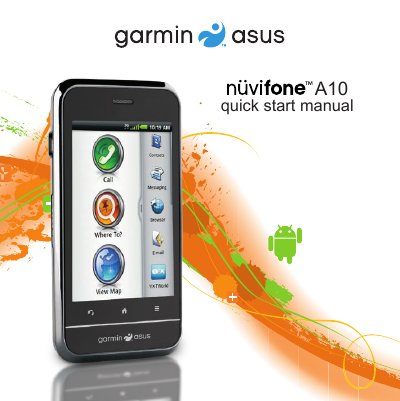
The nüvifone A10 is a mobile phone product with features such as volume keys, a Micro-USB connector, a camera lens, and an audio out connector.
The guide walks you through the initial setup of the Nüvifone A10, including installing the SIM and microSD cards, inserting the battery, and charging it for the first time. It also covers mounting the device in a vehicle and connecting the power cable.
Later sections describe the device’s key functions, such as navigating the home screen, using the application tray, making calls, managing contacts, and configuring voice mail and in‑call options. Safety warnings for the lithium‑ion battery and temperature limits are also included.
| Battery temperature limit | 140 °F (60 °C) |
|---|---|
| Initial charging time | At least 4 hours |
| Charging connector | Micro‑USB |
| Audio output | Audio out connector |
| Camera | Rear camera lens |
Charge the battery for at least four hours before using the device for the first time.
Remove it from the vehicle mount or direct sunlight and let it cool before continuing to charge.