
This manual describes how to use the Geko 201 Personal Navigator
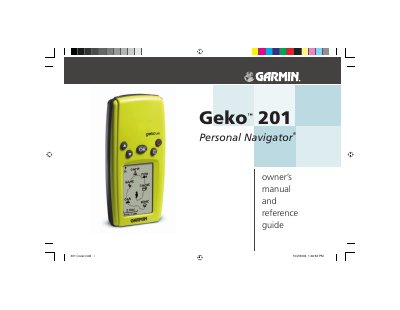
This manual explains how to register, install batteries, and operate the Garmin Geko 201 personal navigation device. It includes detailed descriptions of the buttons, menu pages, and optional accessories, as well as a wiring diagram and specifications.
Important safety and regulatory information is provided, including vehicle‑mount warnings, FCC compliance, and a software license agreement. Battery handling instructions and warranty details are also covered.
The Geko 201 uses two AAA batteries; remove the battery cover with a coin, insert the batteries with correct polarity, and reattach the cover.
Do not mount the Geko 201 over airbag panels, and ensure it is secured so it cannot become a projectile in an accident.
No, the Geko 201 does not contain any user‑serviceable parts; repairs must be performed by an authorized Garmin service center.