
This document introduces the features and characteristics of Beidou satellite navigation instruments.
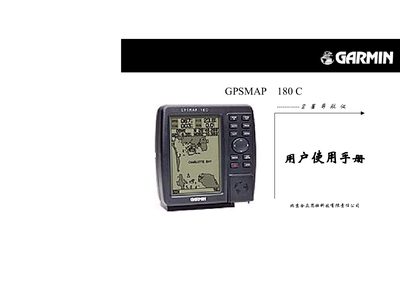
This manual provides step‑by‑step instructions for using the GPSMAP 180C handheld navigation device. It covers the panel layout, screen navigation, basic controls and menu functions.
Detailed sections describe how to create, edit, and delete waypoints, use emergency waypoint features, and view the waypoint list. The guide also includes troubleshooting tips and safety information for marine navigation. This manual is written in Japanese.
| Maximum waypoints | 250 |
|---|
Select the waypoint menu, choose the create option, and follow the on‑screen prompts to set the location and name of the waypoint.
The device can store up to 250 waypoints.