
eTrex Vista C is a GPS handheld and car navigation system developed by Beijing Hezhong Sizhuang Company. It combines the advantages of car navigation products in intelligent route selection and the portability of handheld products. The product features a color screen, providing accurate GPS satellite positioning, road and landmark search, intelligent route planning, navigation information prompts, electronic compass, barometric altimeter, and other functions. It is an ideal choice for travel and outdoor exploration activities.
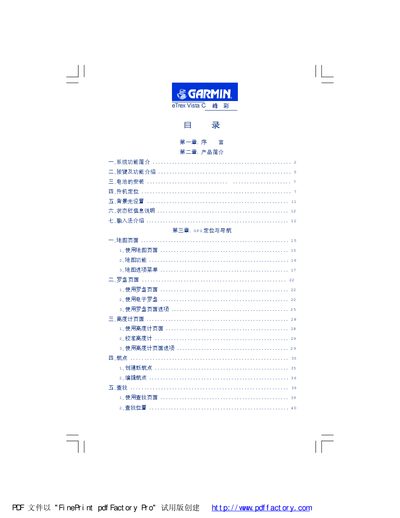
This manual provides a complete guide to the Garmin eTrex Vista C handheld GPS, covering system functions, button operations, battery installation, and navigation capabilities such as map, compass, and altimeter pages. It also includes detailed instructions for waypoints, search functions, and custom coordinate system settings.
Additional sections cover special tools like hunting/fishing time tables, area calculation, and various sound and display settings. Appendices contain an introduction, legal statements, technical specifications, POI classification, and instructions for defining custom coordinate systems. This manual is written in Chinese.
| Receiving channels | 12 parallel channels |
|---|---|
| Update rate | 1 update per second |
| Waterproof rating | 1 m depth for 30 min |
| Display | Color LCD with backlight |
| Electronic compass | Built‑in geomagnetic electronic compass |
| Barometric altimeter | Built‑in pressure altimeter |
It has 12 parallel receiving channels.
The device is waterproof to a depth of 1 meter for up to 30 minutes.
Open the Settings menu, select the coordinate system field, and enter the custom parameters as described in the appendix.
Press and hold the power/backlight key to power the device on or off.