
eTrex user manual, introduces eTrex's functions and usage methods
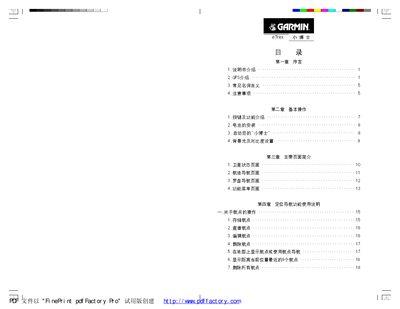
The eTrex manual is organized into a prefatory section, basic operation instructions, an overview of the main display pages, detailed navigation function usage, and several appendices covering technical specifications, coordinate calculations and safety notices. It guides users through battery installation, power‑on procedures, backlight and contrast settings, and how to use waypoints, routes and tracks.
Key functions include satellite status monitoring, map navigation, compass navigation, and customizable settings such as time, units, and display options. Safety warnings advise proper mounting, avoidance of interference, and handling precautions while driving or in hazardous environments. This manual is written in Chinese.
| Battery type | 2 AA batteries |
|---|
The eTrex requires two AA batteries.
Press and hold the power key until the device powers on.
Use the up/down keys on the satellite status page to adjust contrast.