
MAX15026 is a battery management ic launched by maxim, mainly used for battery protection, charging and discharging control, supporting 3.6v-6.5v battery voltage.
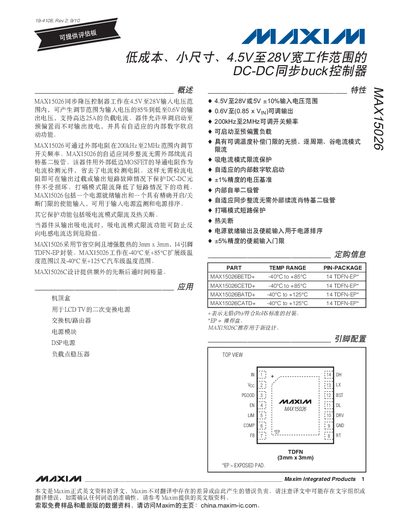
The MAX15026 is a synchronous step‑down regulator that operates from 4.5 V to 28 V input and can deliver up to 25 A of output current. It features an internal digital control loop, programmable switching frequency (200 kHz‑2 MHz) and a variety of protection functions such as over‑current, UVLO and thermal shutdown.
The device is supplied in a 14‑pin TDFN‑EP package and includes pins for enable, soft‑start, current limit, and a comparator network for precise voltage regulation. Detailed electrical characteristics, absolute maximum ratings and pin descriptions are provided for designers.
| Input Voltage Range | 4.5 V – 28 V |
|---|---|
| Maximum Output Current | 25 A |
| Switching Frequency Range | 200 kHz – 2 MHz |
| Quiescent Supply Current (typical) | 1.75 – 2.75 mA |
| Enable Input High Voltage | 1.14 – 1.26 V |
| Thermal‑Shutdown Threshold | +150 °C |
| Package | 14‑Pin TDFN‑EP |
The regulator operates from 4.5 V up to 28 V input.
It can supply up to 25 A of continuous output current.
The device supports a programmable switching frequency from 200 kHz to 2 MHz.
Thermal shutdown is triggered at approximately +150 °C.