
This document is a user manual for IMPRESSA J5 coffee machine. It introduces the operation, maintenance, troubleshooting methods of the coffee machine
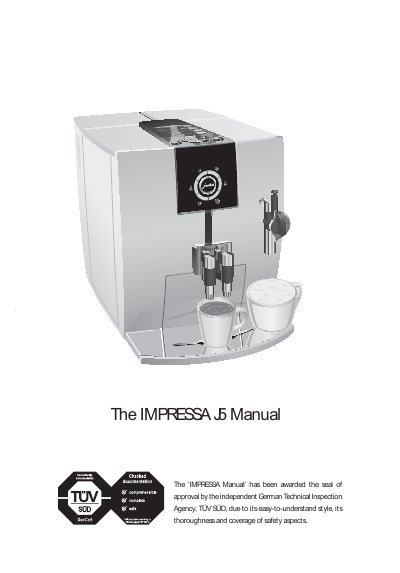
The manual begins with important safety safeguards, covering electrical precautions, proper handling of cords, and warnings against misuse. It then guides you through the first‑time setup, including filling the water tank, loading beans, and configuring the grinder and water hardness.
Subsequent sections describe the control options, button functions, and how to prepare a variety of drinks at the touch of a button. Maintenance procedures such as cleaning, descaling, and filter replacement are detailed, followed by troubleshooting advice, transport instructions, and the full technical data of the IMPRESSA J5.
| Voltage (EU) | 230 V AC, 50 Hz |
|---|---|
| Voltage (US) | 120 V AC, 60 Hz |
| Power (standby) | 2.8 Wh |
| Power | 1450 W |
| Pump pressure | 15 bar (max) |
| Water tank capacity | 2.1 l |
| Bean container capacity | 250 g |
| Coffee grounds container capacity | Approx. 16 servings |
| Cable length | 1.1 m |
| Weight | 10.75 kg |
| Dimensions (W x H x D) | 28.5 x 34.2 x 43.3 cm |
The machine can prepare approximately 16 servings before needing to be refilled.
The pump can generate a static maximum pressure of 15 bar.
Do not immerse the cord, plugs, or body of the machine in water or other liquid.