
This manual provides detailed instructions on how to use the Vaisala PTU300 pressure, humidity, and temperature combo sensor. The manual includes information on the sensor's features, specifications, operating instructions, troubleshooting, and more.
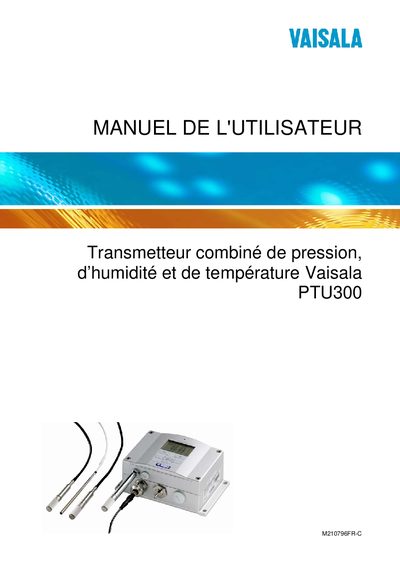
This manual covers all aspects of the Vaisala PTU300 transmitter, including general safety considerations, product overview, and optional probe options such as the heated PTU307. Detailed installation procedures are provided for wall mounting, DIN‑rail kits, and wiring of power and signal connections.
Operational guidance includes use of the display/keyboard, serial and LAN/WLAN interfaces, configuration of IP settings, data logging, and relay functions. Maintenance, periodic cleaning, sensor replacement, and calibration steps are described, along with a technical data sheet summarising performance specifications and optional modules. This manual is written in French.
| Connector type | 8‑pin connector |
|---|---|
| Power supply | 24 VDC |
| Optional heated probe | PTU307 |
| Analog output | Third analog output available |
The IP address can be set from the display/keyboard or via the serial line as described in the LAN configuration section.
Use the display/keyboard or the serial line to enter the single‑point calibration mode and adjust the pressure setting.
Install the probe using the dedicated installation kit for PTU307, following the steps in Chapter 3 and Appendix A.
Connect the WLAN antenna as instructed in the WLAN interface section of the manual.