
This document provides instructions for setting up and using the Vaisala HUMICAP® HM44 U254SV-1.3 for humidity measurement in concrete.
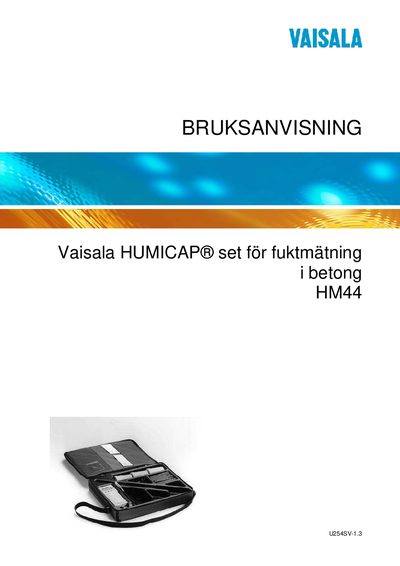
This manual describes the Vaisala HM44 humidity measurement kit, including the HMP44 probe, HMI41 indicator, accessories and the required installation steps. It guides users through setting up the indicator, configuring measurement parameters, and performing moisture measurements in concrete or other building structures.
The document also covers calibration procedures, battery status monitoring, troubleshooting, spare parts, and technical specifications such as dimensions, probe count, and accuracy. All instructions are provided in Swedish and reference the English version for clarification. This manual is written in Swedish.
| Indicator case dimensions | D 64 mm, L 101 mm |
|---|---|
| Rubber plugs (accessory) | 12 pieces, D 13 mm, L 28 mm |
| Maximum number of probes | 10 (probe numbers 1‑10) |
| Measurement accuracy with correction | ±2 %RF |
| Indicator firmware version | 2.01 or higher |
Up to ten probes can be connected, numbered 1 through 10.