
This document is the user manual of Vaisala HUMICAP® structure humidity meter HM44 U254FI-1.3. It mainly introduces the function, usage methods and precautions of the product.
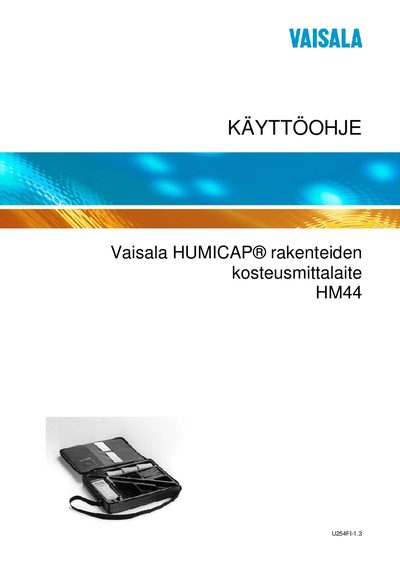
The HM44 is a Vaisala humidity measurement instrument designed for measuring moisture in structures such as concrete. It includes a probe (HMP44), a display unit (HMI41), batteries, and mounting accessories.
The manual covers selecting the operating mode, assigning calibration coefficients, transferring data to a computer, performing measurements, troubleshooting, and routine maintenance. It also lists spare parts, technical specifications, and safety information.
| Number of installation shields | 3 |
|---|---|
| Installation shield size | 64 mm × 101 mm |
| Number of installation sleeves | 12 |
| Installation sleeve size | 17.4 mm × 120 mm |
| Number of rubber plugs | 12 |
| Rubber plug size | M 13 mm × 28 mm |
Press the ON/OFF button until the word SETUP appears, then repeatedly press ENTER and MODE until the display shows SETUP.