
The MAX7300 is a 20- or 28-port I/O expander from Maxim Integrated that is controlled through an I2C interface and is suitable for applications such as white goods, industrial controllers, and automotive system monitoring.
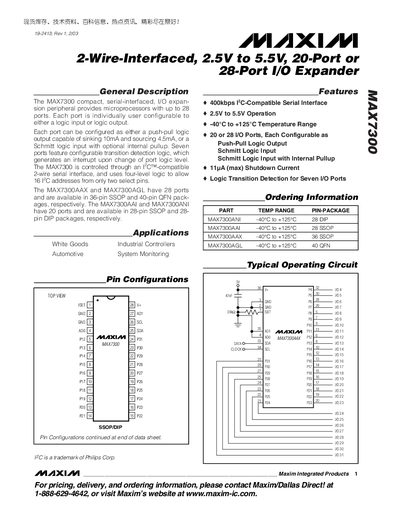
The MAX7300 is a compact, serial‑interfaced I/O expansion peripheral that offers either 20 or 28 configurable ports. Each port can be set as a push‑pull output or a Schmitt‑trigger input with optional internal pull‑up, and seven ports include transition‑detection logic that can generate an interrupt.
The device operates over a 2.5 V to 5.5 V supply range, supports temperatures from –40 °C to +125 °C, and communicates via an I²C‑compatible two‑wire serial interface. Various package options (SSOP, QFN, DIP) provide flexibility for different board designs.
| Operating Supply Voltage | 2.5 V to 5.5 V |
|---|---|
| Temperature Range | -40 °C to +125 °C |
| Number of I/O Ports | 20 or 28 |
| Output Source Current | 4.5 mA |
| Shutdown Current | 11 pA (max) |
It uses an I²C‑compatible two‑wire serial interface.
The device provides either 20 or 28 configurable I/O ports, depending on the package.
The supply voltage can be up to 5.5 V (V+ range 2.5 V to 5.5 V).
The shutdown current is specified as 11 pA maximum.