
The MAX7319 is a 2-wire serial-interfaced peripheral with eight input ports, selectable internal pullups, overvoltage protection, and transition detection with interrupt output. It supports 16 I2C slave addresses. It also supports hot insertion.
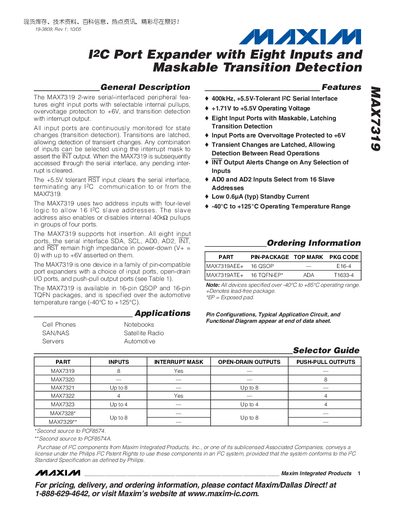
The MAX7319 is a 2‑wire I2C port expander that provides eight CMOS input ports with selectable internal pull‑ups, over‑voltage protection to +6 V, and maskable latching transition detection. An interrupt output (INT) can be configured to alert on changes of any selected inputs, and the device supports hot‑insertion and standby mode with low quiescent current.
The device operates from a supply voltage of 1.71 V to 5.5 V, offers 16 possible I²C slave addresses via two address pins (ADO, AD2), and is available in 16‑pin QSOP and 16‑pin TQFN packages. It is qualified for the automotive temperature range of –40 °C to +125 °C.
| Operating Supply Voltage (V+) | 1.71 V to 5.5 V |
|---|---|
| Serial Clock Frequency | 400 kHz |
| Operating Temperature Range | -40 °C to +125 °C |
| Input Over‑voltage Protection | +6 V |
| Package Types | 16‑pin QSOP, 16‑pin TQFN |
INT is an active‑low open‑drain interrupt output that alerts on any change of selected inputs; its behavior is controlled by an 8‑bit interrupt mask register.
Yes, all input ports are protected to +6 V regardless of the supply voltage.