
This is a quick start guide for a mobile phone, which introduces the main functions and usage methods of the phone.
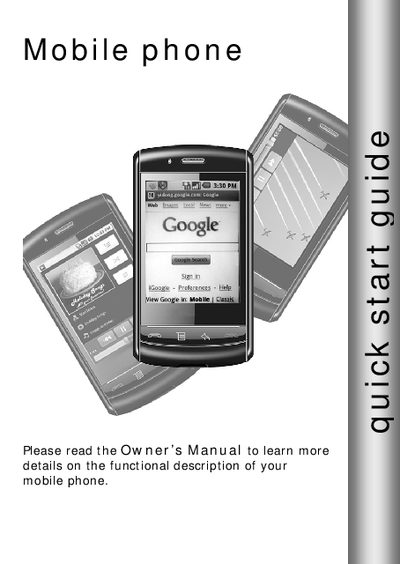
This quick start guide provides concise instructions for getting your SciPhone N20 up and running. It covers essential functions such as powering the device on and off, adjusting volume, making and receiving calls, and managing contacts.
The guide also explains how to install the SIM and SD cards, customize the home screen, set up Bluetooth and Wi‑Fi, configure email, browse the web, and install or uninstall applications.
Press the POWER button to turn on the phone.
Open the SIM/SD card cover, push the SIM card in with contacts down and the cut corner facing right until it snaps into place.
Touch and hold the Home screen, select Add to Home, then choose an Application shortcut, Shortcut, Widget, or Wallpaper.