
This manual introduces how to use the phone's functions and features, including installing SIM cards, SD cards, and batteries, turning on/off the phone, customizing the home screen, making calls, contacts, Bluetooth® setup, Wi-Fi, emergency dialing, caring for your phone and safety tips
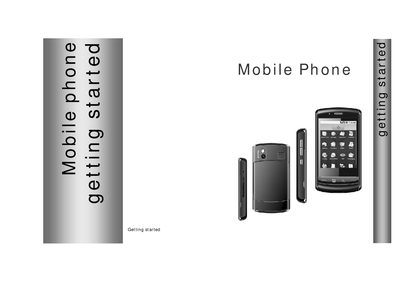
This guide introduces the SciPhone N20, covering key hardware components such as the SIM/SD card slots, battery, and power button. It provides step‑by‑step instructions for inserting the SIM and SD cards, charging the device, and turning the phone on or off.
The manual also describes how to customize the home screen, use call functions, manage contacts, set up Bluetooth and Wi‑Fi, make emergency calls, and follow safety and care recommendations. Additional sections cover SAR information, warranty, and regulatory notices.
| SAR (Head) | 1.11 W/kg @1g |
|---|---|
| SAR (Body) | 1.08 W/kg @1g |
Pull the SIM/SD card cover open, insert the SIM with the copper contacts facing down and the notched edge left, then snap it into place.
The phone’s SAR is 1.11 W/kg for the head and 1.08 W/kg for the body (measured at 1 g).