
Key facts
- Brand
- SciPhone
- Model
- N20
- Category
- Cell Phones
- Industry
- Electronics
- Documents
- 3
- Languages
- EN
- Last added
- 2012-04-05
Start here
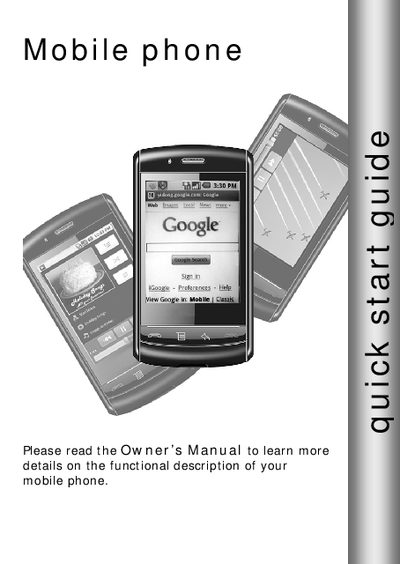
SciPhone N20 Quick Start Guide
This quick start guide provides concise instructions for getting your SciPhone N20 up and running. It covers essential functions such as powering the device on and off, adjusting volume, making and receiving calls, and managing contacts.
The guide also explains how to install the SIM and SD cards, customize the home screen, set up Bluetooth and Wi‑Fi, configure email, browse the web, and install or uninstall applications.
SciPhone N20 specifications
| Battery charging indicator | Solid red LED |
|---|---|
| SIM card slot | Next to SD slot, insert with cut corner facing right |
| Status light indicators | LED shows battery and Wi‑Fi status |
All SciPhone N20 documents by type
Day-to-day operation, settings and troubleshooting. Start here if the product is already set up.
The shortest path to a working setup, usually only a few pages.
Questions answered in these manuals
How do I turn the phone on?
Press the POWER button to turn on the phone.
How do I insert the SIM card?
Open the SIM/SD card cover, push the SIM card in with contacts down and the cut corner facing right until it snaps into place.
How do I insert a SIM card?
Pull the SIM/SD card cover open, then push the SIM card into the slot with the cut corner facing right until it snaps into place.
How do I remove the SD card?
First unmount the SD card in Settings, then gently push the card to release it; the card will pop out enough to be removed.
How do I insert the SIM card?
Pull the SIM/SD card cover open, insert the SIM with the copper contacts facing down and the notched edge left, then snap it into place.
What are the SAR values for the SciPhone N20?
The phone’s SAR is 1.11 W/kg for the head and 1.08 W/kg for the body (measured at 1 g).