
This manual introduces the phone's control buttons, status indicators, SD card slot, and SIM card slot. It also explains how to charge the phone, how to use the touch screen, and how to select, open context menus, scroll the screen, crop pictures, drag items, zoom in or out, and scale and scroll.
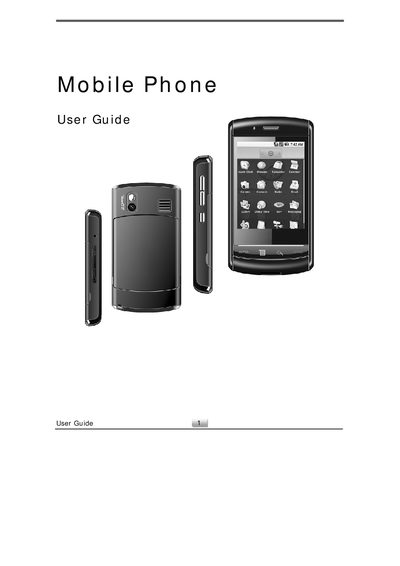
This user guide provides step‑by‑step instructions for using the SciPhone N20 mobile phone. It covers basic phone controls, system settings, connectivity options, and the built‑in applications such as the browser, camera, music player, and tools.
Detailed sections describe how to insert and remove the SIM and microSD cards, manage Bluetooth devices, handle calls and messages, customize the home screen, and use widgets like the weather and RSS reader. The guide also includes troubleshooting tips for volume control, silent mode, and battery status indicators.
| Battery charging indicator | Solid red LED |
|---|---|
| SIM card slot | Next to SD slot, insert with cut corner facing right |
| Status light indicators | LED shows battery and Wi‑Fi status |
Pull the SIM/SD card cover open, then push the SIM card into the slot with the cut corner facing right until it snaps into place.
First unmount the SD card in Settings, then gently push the card to release it; the card will pop out enough to be removed.
Press the + or – buttons; the ringer volume slider opens during a call, while the media volume slider opens for audio or video playback.