
This document provides information on the use of Samsung laser fax machines, including fax functionality, detailed guides for using the printer, scanner, and copier, as well as basic instructions for using the multifunction operations.
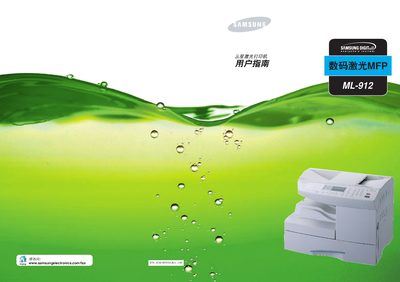
This manual guides users through unpacking, identifying components, and installing the ML-912. It covers connecting power and telephone lines, loading paper and toner, configuring language, system ID, date/time, paper size, and enabling energy‑saving modes. Detailed instructions are provided for using the control panel, selecting print media, and operating the separate paper tray and bypass tray.
The guide also explains how to use the printing, scanning, copying, and fax functions, including setting fax options, managing address books, and using encryption. Maintenance topics such as replacing toner, cleaning the drum, handling paper jams, and safety precautions are included, along with FCC and laser safety information. This manual is written in Chinese.
| Paper tray 1 capacity | 550 sheets of 20 lb paper |
|---|---|
| Supported paper sizes | A4, Letter, Legal, Tabloid |
| Laser classification | Class I (no hazard under normal use) |
| Energy‑saving standby mode | Reduces power consumption when idle |
The main paper tray can hold up to 550 sheets of 20 lb paper.
Select the "改变显示语言" option in the printer’s menu to change the language.
The ML‑912 is a Class I laser product, considered safe under normal operation.