
This document provides installation steps and operating instructions for the printer, including unboxing, understanding printer components, installing transfer tape and toner cartridges, loading paper, connecting cables, powering on the printer, printing a demo page, changing display language, installing printer software, and accessing the user guide.
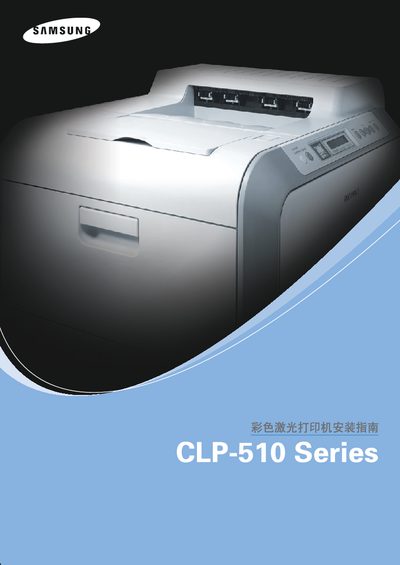
This guide walks you through the complete installation of the Samsung CLP‑515N color laser printer. It starts with unpacking the unit, checking all accessories, and safely handling the heavy 32 kg printer.
Subsequent sections cover loading the transfer belt and toner cartridge, inserting paper trays, connecting power and network cables, configuring language settings, and installing the printer software on Windows, macOS, and Linux. Troubleshooting tips and specifications are provided in the appendix. This manual is written in Chinese.
| Printer weight | 32 kg |
|---|---|
| Paper tray 1 capacity | 250 sheets |
| Optional paper tray 2 capacity | 500 sheets |
Choose the correct paper type and follow the paper‑loading guidelines to prevent most jams.
Check that the printer interior is clean and that paper is loaded correctly; clean the LSU and replace the imaging unit if needed.