
This document is about Samsung ML-3470D and ML-3471ND user guide.
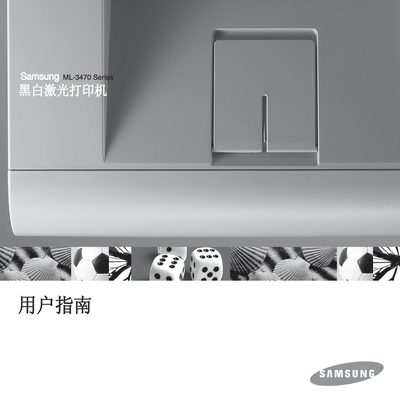
This manual provides complete instructions for installing, configuring, and using the Samsung ML-3470D and ML-3471ND laser printers. It includes safety guidelines, system settings, software installation, network setup (ML-3471ND), media loading, basic printing, consumable ordering, and maintenance procedures.
Detailed troubleshooting steps, specifications, and accessory installation information are also included, helping users resolve common issues such as paper jams, print quality problems, and driver errors. This manual is written in Chinese.
| Print speed (A4) | 33 ppm |
|---|---|
| Print speed (Letter) | 35 ppm |
| Duplex speed (A4) | 17 ipm |
| Duplex speed (Letter) | 18 ipm |
| Maximum resolution | 1200 x 1200 dpi |
| Memory (ML-3470D) | 32 MB (max 288 MB) |
| Memory (ML-3471ND) | 64 MB (max 320 MB) |
| Power consumption (printing mode) | 600 W |
| Power consumption (energy‑saving mode) | <10 W |
| Noise level (printing) | <52 dBA |
| Weight (gross) | 15.5 kg |
| Dimensions (W×D×H) | 400 × 433.4 × 285 mm |
| USB interface | USB 2.0, 480 Mbps |
| Network interface (ML-3471ND) | 10/100 Base‑TX |
Unplug the printer from the AC outlet, do not use liquid or aerosol cleaners, and clean only with a damp cloth.
The ML-3471ND includes a built‑in 10/100 Base‑TX Ethernet network interface.