
This manual describes how to install and use the 3856-02-01003200 model of wireless communication system
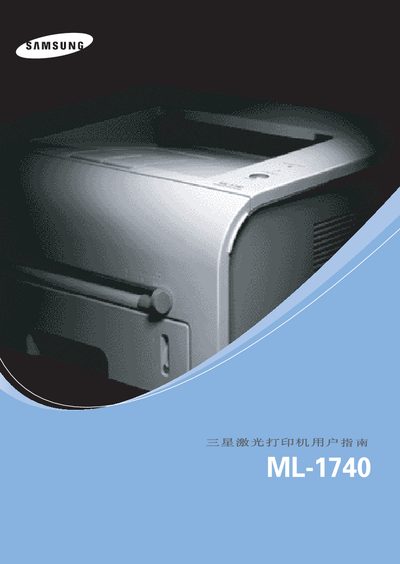
This manual covers the Samsung ML-1740 laser printer, detailing how to install the device, connect it via its Centronics interface, and configure the appropriate drivers. It also lists the supported operating systems, including various Windows versions and Linux compatibility.
Additional sections provide guidance on routine maintenance, troubleshooting common issues, and ensuring safe operation of the printer. The document includes reference tables and diagrams to assist users in proper setup and ongoing use.