
This is a user's guide for the ML-2550 series laser printer
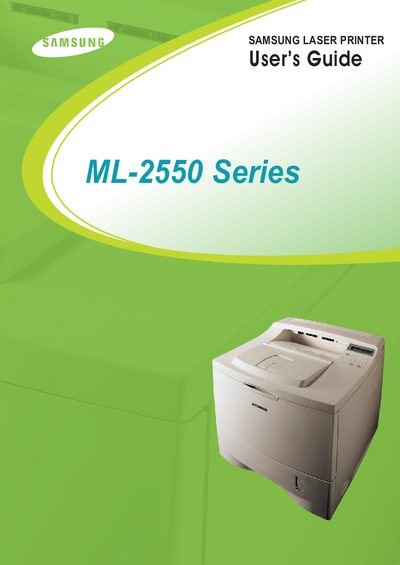
The Samsung ML-2550 Series Laser Printer User Guide provides step‑by‑step instructions for unpacking, installing toner cartridges, loading paper, and connecting the printer to a computer via USB or network. It also explains how to use the control panel, configure print settings, and access advanced features such as watermarks and duplex printing.
Additional sections cover routine maintenance tasks like cleaning the printer, replacing consumables, and a comprehensive troubleshooting checklist for common printing problems on Windows, Mac, and Linux platforms.
Turn the printer on as described in Chapter 2, section 2.13 “Turning the Printer On”.
Cleaning procedures are detailed in Chapter 6, sections 6.7 “Cleaning the Printer”, “Cleaning the Outside”, and “Cleaning the Inside”.
Refer to Chapter 7, section 7.15 “Solving Print Quality Problems”.