
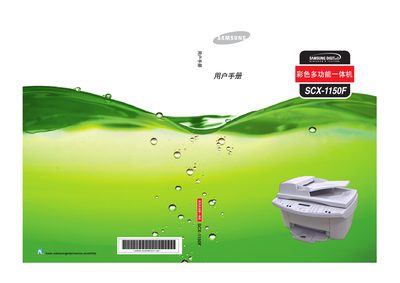
This manual provides instructions on how to use the Samsung SCX-1150F printer. It provides detailed information on the printer's features, installation, and usage.
This manual begins with important safety precautions, including disconnecting the AC power before cleaning, avoiding liquids on the device, and not operating the machine during thunderstorms. It also outlines proper handling, placement, and storage to prevent fire hazards and equipment damage.
Subsequent chapters cover the core functions of the SCX-1150F: printing, scanning, copying, and faxing, along with detailed instructions for configuring settings, using special print modes, and performing routine maintenance such as ink cartridge replacement and cleaning. Troubleshooting tips and a paper‑size appendix are provided at the end. This manual is written in Chinese.
| Supported paper size A4 | 210 x 297 mm |
|---|---|
| Supported paper size B5 (JIS) | 182 x 257 mm |
Use a dry cloth; do not use liquids or spray cleaners on the machine.
Disconnect the AC power source before cleaning.
Do not operate the device during thunderstorms.